
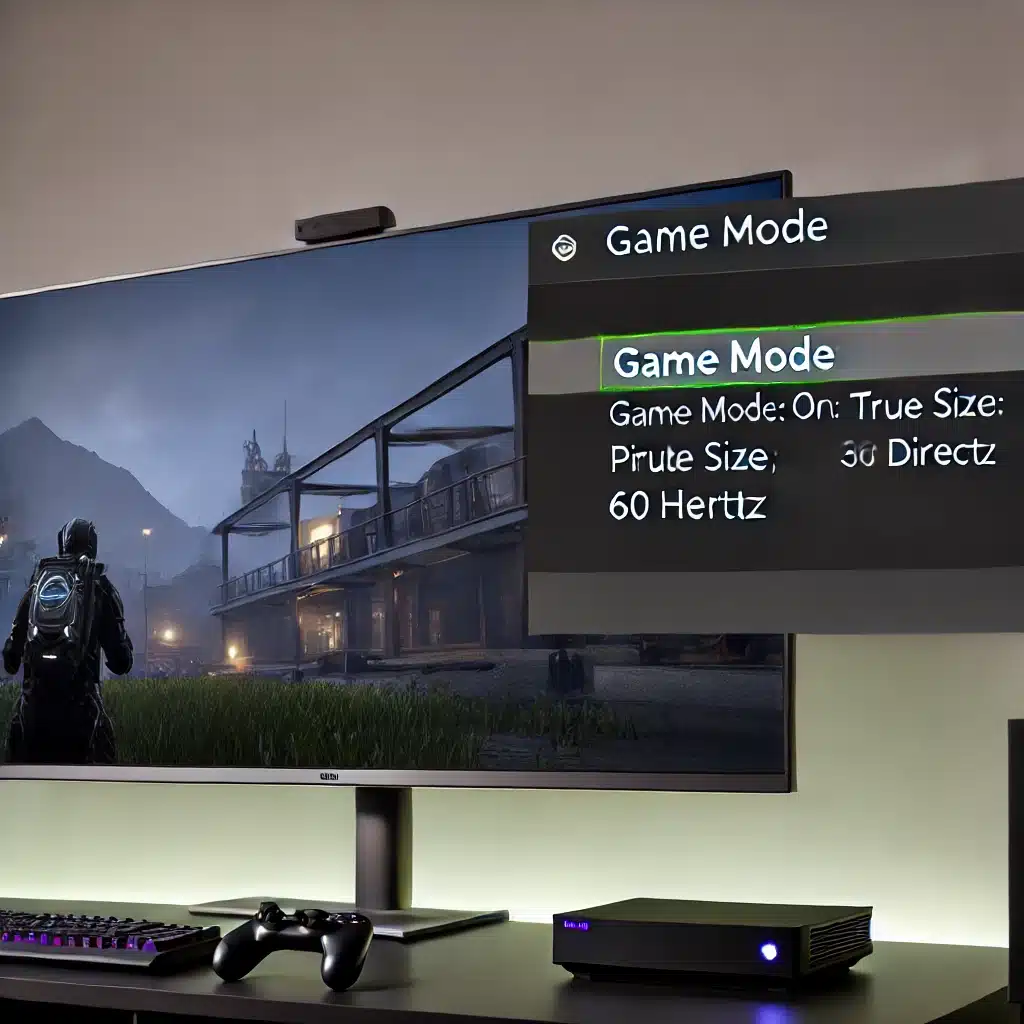
Are you experiencing lag when connecting your PC or game console to your Roku TV? This common issue can be frustrating, especially when you’re trying to enjoy smooth gameplay or video streaming. The good news is that it’s often due to incorrect display settings, and it’s something you can fix quite easily. In this post, I’ll walk you through the steps to eliminate lag and improve performance on your Roku TV.
Step-by-Step Guide to Fixing Lag on Roku TV
1. Adjusting TV Settings
First, let’s optimize the settings on your Roku TV:
- Switch to the Correct HDMI Port: Make sure your TV is set to the HDMI port where your PC or game console is connected.
- Enable Game Mode: Game Mode reduces input lag by disabling certain image processing features.
- Press the Star button on your Roku remote.
- Use the directional pad to navigate to Picture settings.
- Scroll down and select Game mode. Turn it On.
- Set Picture Size to Direct: This ensures the TV displays the image without any scaling or processing.
- In the Picture settings menu, find and select Picture size.
- Set it to Direct.
2. Configuring Display Settings on Your PC
Next, make sure your PC’s display settings are correctly configured for the TV:
- Resolution and Scaling:
- Right-click on your desktop and select Display settings.
- Ensure the Scale is set to 100% and the Resolution is 1920×1080.
- Advanced Display Settings:
- Click on Advanced display settings within the Display settings menu.
- Check the Active signal mode. If it shows 4K at 30Hz, this is likely causing the lag.
- Click on Display adapter properties for Display 1.
- In the new window, click on List All Modes.
- Select 1920 by 1080, True Color (32 bit), 60Hertz and apply these settings.

Why These Changes Work
The lag is often caused by the TV or PC being set to a resolution or refresh rate that isn’t optimal for gaming or fast input response. By enabling Game Mode, you reduce the processing delay on the TV. Adjusting the resolution and refresh rate on your PC ensures that the output signal is fully compatible with your TV’s display capabilities.
Conclusion
By following these steps, you should be able to eliminate lag and enjoy a seamless experience on your Roku TV, whether you’re gaming or streaming videos. It’s amazing how a few adjustments can transform your viewing and gaming experience.