
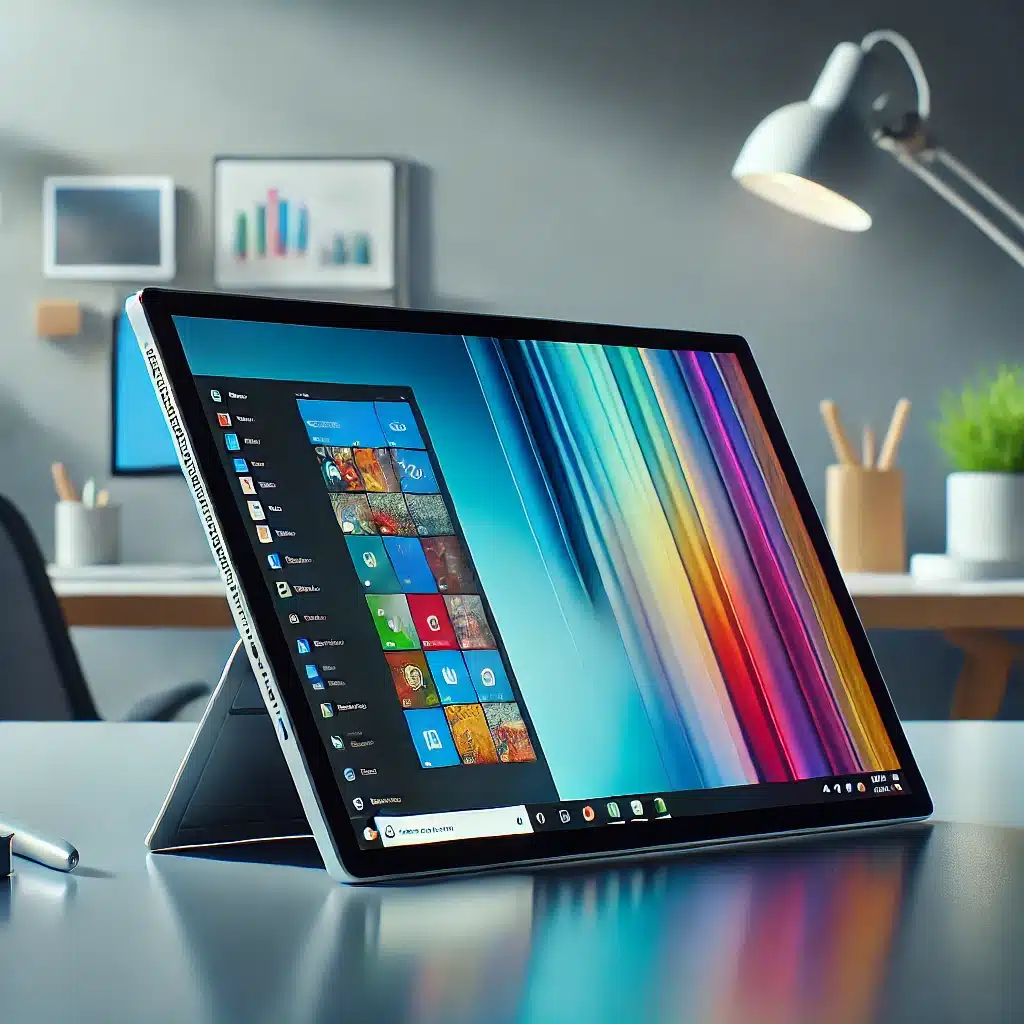
The Microsoft Surface Pro continues to evolve, offering users a powerful, portable, and versatile Windows tablet experience. This review focuses on the latest iteration of the Surface Pro, powered by Qualcomm’s Snapdragon X+ ARM CPU. It’s designed to cater to both productivity enthusiasts and casual users looking for a lightweight yet high-performing device. In this review, we’ll dive into the key features, performance benchmarks, gaming capabilities, real-world use cases, and battery life, providing a comprehensive overview of what makes the new Surface Pro a noteworthy competitor in the tablet market. See latest deal on Surface Pro on Amazon.
Key Features of the Microsoft Surface Pro

The Surface Pro packs an impressive set of hardware and software features that make it stand out in the crowded tablet market. Here’s a detailed look at what this device brings to the table:
- Processor: The Surface Pro is equipped with Qualcomm’s Snapdragon X+, a 10-core CPU clocking speeds up to 3.4 GHz. This processor ensures smooth multitasking and supports advanced AI tasks, thanks to its architecture optimized for Windows 11.
- Display: Available in both OLED and LCD options, the reviewed unit comes with a 13-inch PixelSense LCD display, featuring a 2880×1920 resolution and a 3:2 aspect ratio. The display quality is sharp, making it ideal for content creation, browsing, and media consumption.
- Co-Pilot Integration: One of the standout features is Microsoft’s AI-powered Co-Pilot, which is integrated into the Surface Pro. This virtual assistant can help with tasks such as web browsing, research, and even generating content, offering enhanced productivity on the go.
- Memory & Storage: With 16GB of LPDDR5X RAM, the device supports heavy multitasking without lag. Storage is ample at 512GB, and the M.2 SSD is user-replaceable, a bonus for those who may need more space or faster storage in the future.
- Battery Life: The Surface Pro houses a 48W-hour battery, offering more than 12 hours of video streaming, even at 50% brightness in performance mode. This long battery life makes it suitable for professionals on the move.
- Connectivity: The Surface Pro comes with the latest connectivity options, including Wi-Fi 7 and Bluetooth 5.4. It also includes two USB 4 ports and a proprietary charger port, while supporting USB-C charging for added convenience.
- Operating System: Running on Windows 11, the Surface Pro uses Microsoft’s Prism translation layer, which enhances app compatibility, allowing most x86 apps to run smoothly on its ARM-based system.
Performance Overview

The Surface Pro’s Snapdragon X+ CPU is designed to handle day-to-day tasks with ease. Whether you’re streaming videos, browsing the web, or editing documents, the device provides a smooth experience, especially when paired with Microsoft’s Co-Pilot AI assistant for productivity.
Benchmark Tests:
- Geekbench 6: The Surface Pro achieved a single-core score of 2,435 and a multi-core score surpassing 13,000, indicating robust performance for a tablet.
- 3DMark Night Raid & Fire Strike: These benchmarks reflect its graphics capabilities, scoring 2,339 and 5,773, respectively.
These results showcase the Surface Pro as a capable performer, especially for productivity, multitasking, and light media creation.
Gaming Performance
Though not marketed as a gaming device, the Surface Pro can handle some light to moderate gaming thanks to the Snapdragon X+ chip.
- Cyberpunk 2077: At low settings and FSR set to ultra performance, the game ran at an average of 38 FPS. While playable, it’s clear that the Surface Pro isn’t built for AAA gaming titles.
- Hades 2: This game achieved a solid 60+ FPS at 1080p on high settings, making it ideal for less graphically demanding games.
- Fallout 4: Even at 720p, the game struggled to maintain 60 FPS, suggesting that older, more demanding games may not perform well.
- Grand Theft Auto V: At 1080p normal settings, the game ran smoothly with occasional stutters, making it a decent experience for older titles.
While the Surface Pro isn’t positioned as a gaming device, its ability to run these titles shows its versatility, especially for casual gaming.
Real-World Use Cases
The Microsoft Surface Pro excels in various real-world scenarios, making it a versatile tool for different types of users.
- AI Tasks via Co-Pilot: Co-Pilot integration adds a layer of productivity, assisting with idea generation, summarizing documents, and creating content. For students, professionals, and creators, this can be a game-changer.
- Web Browsing and Video Streaming: The Surface Pro handles high-speed web browsing without a hitch. Streaming 4K HDR content from platforms like YouTube is smooth, with no dropped frames during playback.
- Productivity Tasks: For tasks like document editing, presentations, and multitasking between apps, the Surface Pro’s performance is solid, with the 16GB of RAM ensuring smooth transitions between tasks.
Battery Life & Charging
The battery life on the Surface Pro is one of its strong suits. With over 12 hours of video streaming at 50% brightness, it’s clear that the device is built for all-day use. Charging is efficient with the proprietary port, but USB-C charging adds flexibility for users on the go.
Conclusion
The Microsoft Surface Pro, powered by Qualcomm’s Snapdragon X+ ARM CPU, is a high-performance tablet that stands out for its lightweight design, robust performance, and long battery life. It’s well-suited for users seeking a versatile Windows tablet that excels in both productivity and light gaming. The built-in kickstand, vibrant display, and user-replaceable SSD make it an excellent choice for professionals and creatives.
Final Thoughts
For users who want a premium Windows tablet experience without compromising on performance, the Surface Pro is a compelling option. While it’s not built for heavy gaming, it handles light gaming and productivity tasks with ease. The integration of Co-Pilot, long battery life, and sleek design all contribute to making this a standout device in its category. Want more technology? Check out or blog.