
When it comes to retro gaming, two of the most popular frontend software options available are Hyperspin and Retroarch. Both of these programs allow users to organize and play their favorite retro games on their computer, but which one is better? In this article, we’ll take a look at the features, performance, and user experience of both Hyperspin and Retroarch to determine which one comes out on top.
Also check out our article on Comparing Hyperspin and LaunchBox: Which is the Better?
| Feature | Hyperspin official website | Retroarch official website |
|---|---|---|
| Customizability | Highly customizable menus and themes | Customizable shaders and overlays |
| Compatibility | Compatible with most modern operating systems | Compatible with most modern operating systems |
| Performance | Smooth user interface, but can be resource-intensive | Excellent performance with optimized emulation |
| User Experience | User-friendly interface, but extensive customization options can be overwhelming | Clean and straightforward interface, but cluttered and confusing at times |
| Cost | Not free, requires a license to use | Free and open-source program |
| Support | Dedicated support community | Active support community and constantly updated by developers |
| Gaming Systems | Supports a wide range of gaming systems and platforms | Supports a vast array of gaming systems and platforms |
| Custom Playlists | Ability to create custom playlists for games | Not as customizable as Hyperspin |
| Netplay Feature | No | Yes |
| Save States | Yes | Yes |
| Modularity | Supports multiple emulators for each system | Modular design allows for adding and removing cores (emulators) as needed |
Table of Contents
- Introduction
- What is Hyperspin?
- What is Retroarch?
- Features of Hyperspin
- Features of Retroarch
- Performance of Hyperspin
- Performance of Retroarch
- User Experience of Hyperspin
- User Experience of Retroarch
- Cost of Hyperspin vs Retroarch
- Support for Hyperspin vs Retroarch
- Compatibility of Hyperspin vs Retroarch
- Customization of Hyperspin vs Retroarch
- Verdict: Which is better?
- Conclusion
- FAQs
What is Hyperspin?
Hyperspin is a frontend software for retro gaming that allows users to organize and play their favorite games on their computer. It is a highly customizable program that supports a wide range of gaming systems and platforms, including arcade games, consoles, and handhelds. With Hyperspin, users can create custom menus, themes, and playlists to suit their preferences and gaming needs.
What is Retroarch?
Retroarch is another frontend software for retro gaming that is designed to be an all-in-one solution for playing games on a computer. It supports a vast array of gaming systems and platforms, including arcade games, consoles, handhelds, and even some modern games. Retroarch features a modular design that allows users to add and remove cores (emulators) as needed, making it a versatile program for retro gaming enthusiasts.
Features of Hyperspin
Hyperspin has a plethora of features that make it a top contender for retro gaming. Some of its standout features include:
- Customizable menus and themes
- Support for a wide range of gaming systems and platforms
- Ability to create playlists for games
- Support for multiple emulators for each system
- Integration with RocketLauncher for advanced configuration options
Features of Retroarch
Retroarch also has a wide range of features that make it a popular choice among retro gaming enthusiasts. Some of its key features include:
- Modular design that allows for adding and removing cores (emulators)
- Support for a vast array of gaming systems and platforms
- Built-in shaders for enhanced graphics
- Netplay feature for playing games online with others
- Save states and rewinding feature for saving progress in games
Performance of Hyperspin
Hyperspin is known for its smooth and polished user interface, which makes navigating through menus and launching games a breeze. However, it can be resource-intensive, especially when running on older hardware. This can lead to slow performance and occasional crashes.
Performance of Retroarch
Retroarch is known for its excellent performance, thanks to its modular design that allows for optimized emulation of each gaming system. It runs smoothly on most hardware configurations, even older systems, and rarely crashes.
User Experience of Hyperspin
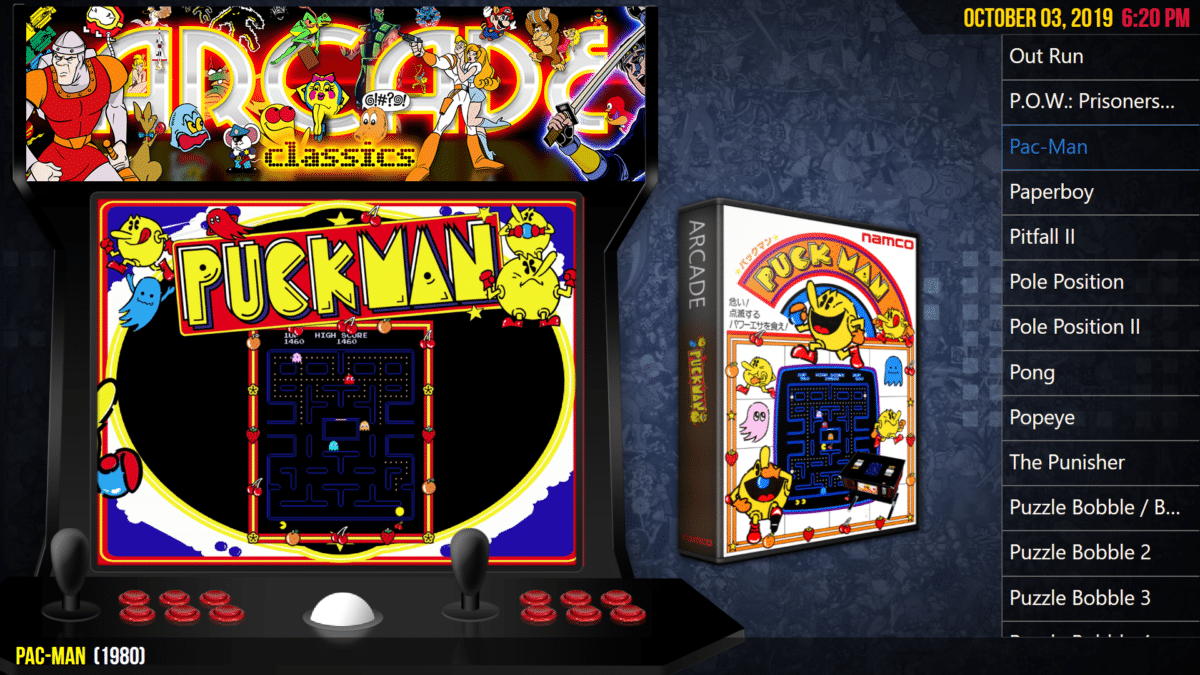
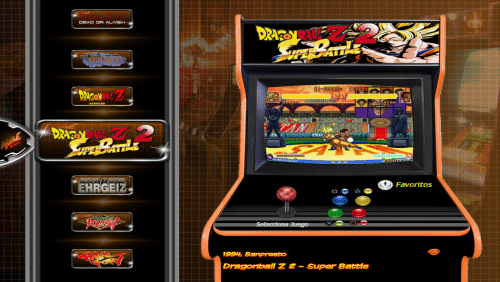
Hyperspin has a user-friendly interface that is highly customizable, allowing users to create their own menus and themes. However, its extensive customization options can be overwhelming for new users, and some users have reported difficulty setting up the program and configuring the emulators.

User Experience of Retroarch
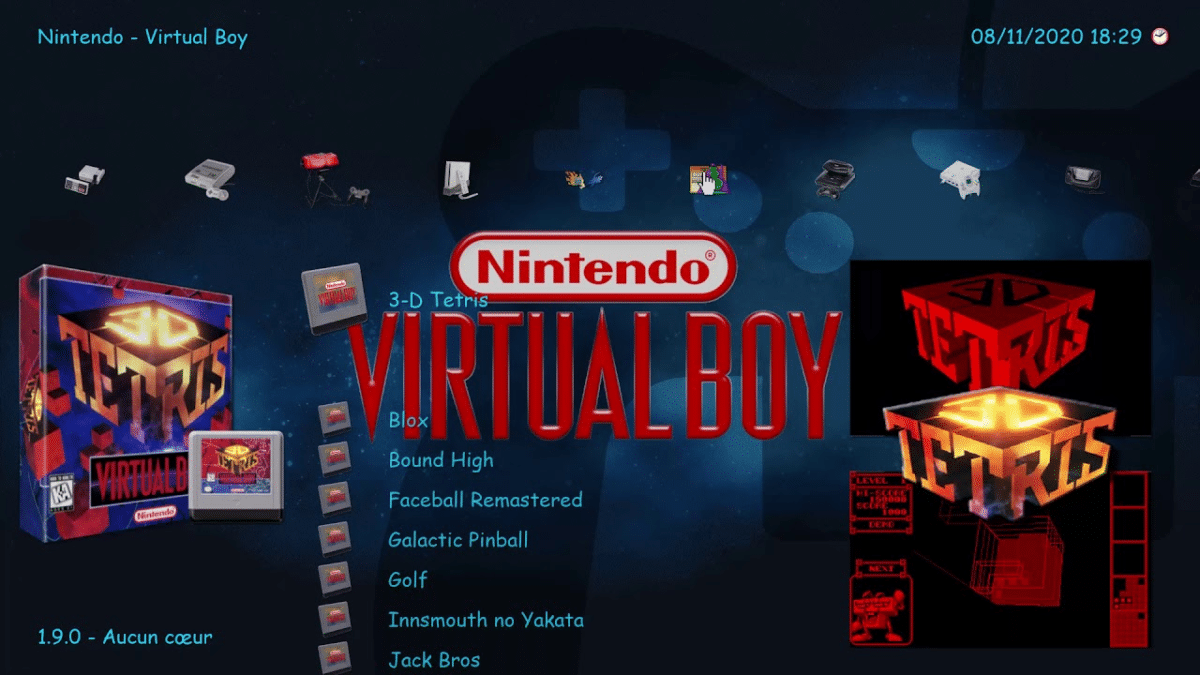
Retroarch has a clean and straightforward user interface that is easy to navigate, even for new users. However, some users have reported that the interface can be cluttered and confusing at times, especially when using advanced features such as shaders and netplay.


Cost of Hyperspin vs Retroarch
Hyperspin is not a free program and requires a license to use. The cost of the license varies depending on the version and the number of systems supported. Retroarch, on the other hand, is a free and open-source program that is available for download on their official website.
Support for Hyperspin vs Retroarch
Hyperspin has a dedicated support community that offers help and guidance to users who have questions or issues with the program. Retroarch also has an active support community that provides assistance to users, and the developers are constantly updating and improving the program with new features and bug fixes.
Compatibility of Hyperspin vs Retroarch
Both Hyperspin and Retroarch are compatible with most modern operating systems, including Windows, MacOS, and Linux. However, Hyperspin requires more resources to run, and some users have reported compatibility issues with certain hardware configurations.
Customization of Hyperspin vs Retroarch
Hyperspin is known for its extensive customization options, allowing users to create custom menus, themes, and playlists to suit their preferences. Retroarch also supports customization options, such as shaders and overlays, but it is not as customizable as Hyperspin.
Verdict: Which is better?
Both Hyperspin and Retroarch have their strengths and weaknesses, and the choice ultimately depends on the user’s needs and preferences. Hyperspin is a highly customizable program with an excellent user interface, but it requires more resources to run and can be more complicated to set up. Retroarch is a free and versatile program with excellent performance, but its interface can be cluttered and confusing at times.
Conclusion
In conclusion, Hyperspin and Retroarch are two excellent frontend software options for retro gaming, and each has its own unique features and strengths. Ultimately, the choice between the two comes down to personal preference, with both programs offering an exceptional retro gaming experience.
FAQs
- Is Hyperspin legal?
Yes, Hyperspin is a legal program as long as it is used to play games that you legally own.
- Does Retroarch support online multiplayer?
Yes, Retroarch has a netplay feature that allows users to play games online with others.
- Can Hyperspin run on older hardware?
Hyperspin can run on older hardware, but it may require more resources to run smoothly, leading to slower performance and occasional crashes.
- How much does Hyperspin cost?
The cost of Hyperspin varies depending on the version and the number of systems supported. It is not a free program and requires a license to use.
- Is Retroarch a free program?
Yes, Retroarch is a free and open-source program that is available for download on their official website.